
Signal Generator
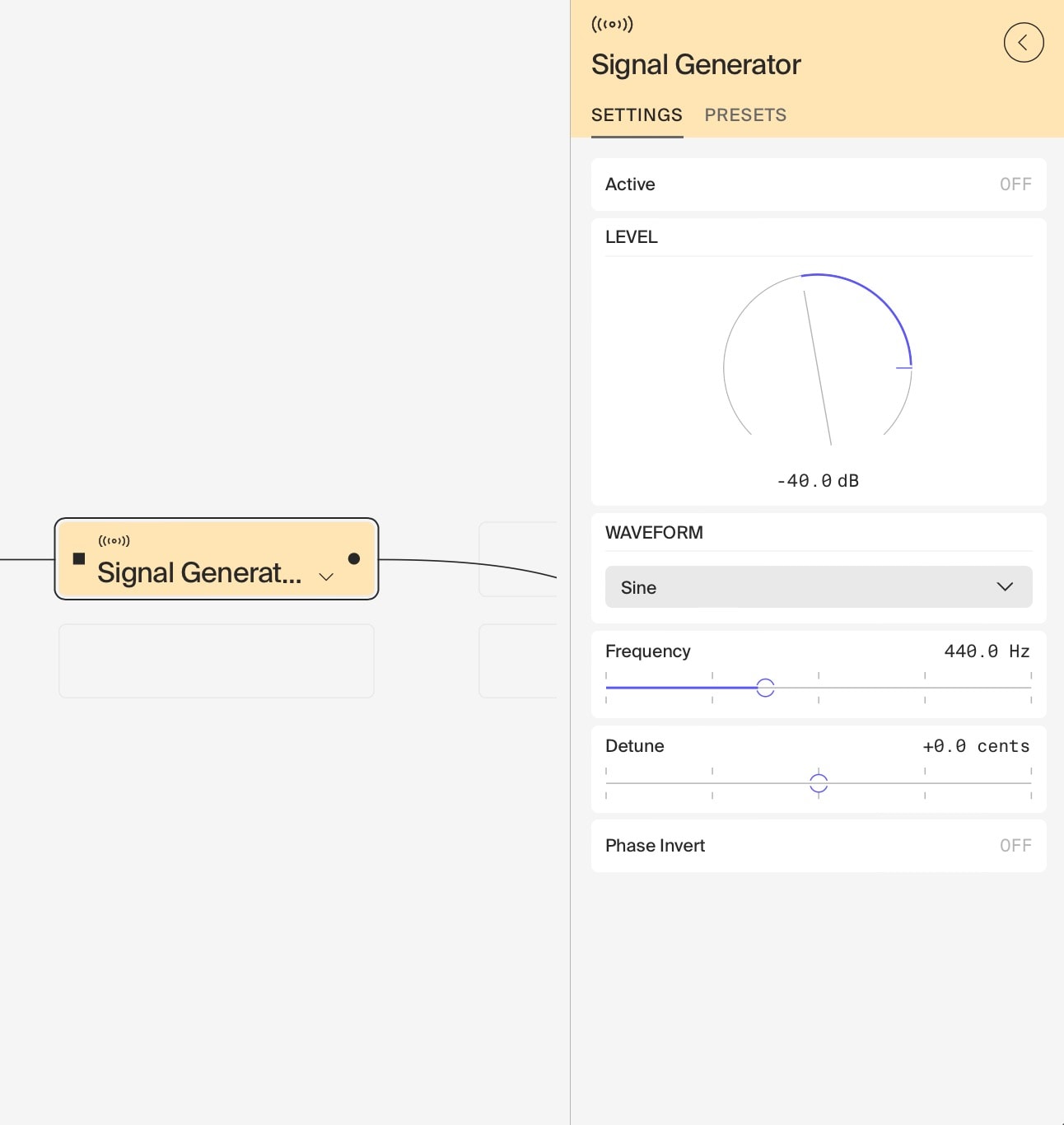
The Signal Generator is a basic yet versatile module that produces a variety of waveforms, useful for both simple synthesis and sound design tasks. Notably, it uses bandlimited oscillators, ensuring high-quality output without aliasing artifacts.
Key Features
- Frequency: Adjustable from 1 Hz to 22 kHz
- Detune: Secondary frequency control for subtle variations
- Waveform Selection:
- Sine
- Triangle
- Saw
- Sharktooth
- Square
- Pulse 70%
- Pulse 85%
- Random Doublets
Basic Usage
- Oscillator: Use as a basic oscillator for synthesis, selecting different waveforms for varied timbres.
- Tuned Noise: Utilise the Random Doublets waveform as a tuneable noise source.
Creative Applications
- Rain Effect Generator:
- Set waveform to Random Doublets
- Use very low frequency (e.g., 1-5 Hz)
- Feed into a reverb set to 100% wet
- Adjust frequency and reverb parameters to simulate different rain intensities
- Drone and Layered Sounds:
- Use two or more Signal Generators
- Set to slightly different frequencies or use Detune
- Mix outputs for rich, evolving drone tones
- Experiment with different waveforms for varied textures
- Basic Sound Effects:
- Use varying frequencies and waveforms to create simple sound effects
- For example, use a low-frequency triangle wave for a basic alarm sound
Tips
- The Signal Generator is only effective when combined with other modules for processing and shaping the sound.
- Experiment with different waveforms at various frequencies to find interesting starting points for sound design.
- The Detune parameter can be used for creating subtle beating effects when using multiple generators.
Remember, while the Signal Generator is simple, it forms the foundation for many sound design techniques. Its strength lies in generating steady waveforms that can be further processed and combined to create more complex sounds.
Last updated on